
ProjectsPlan Lab
Plan Lab
Version 1
Stack
- Next.js
- React
- TypeScript
- Tailwind
- Zod
- TanStack Form
- Drizzle
What it is
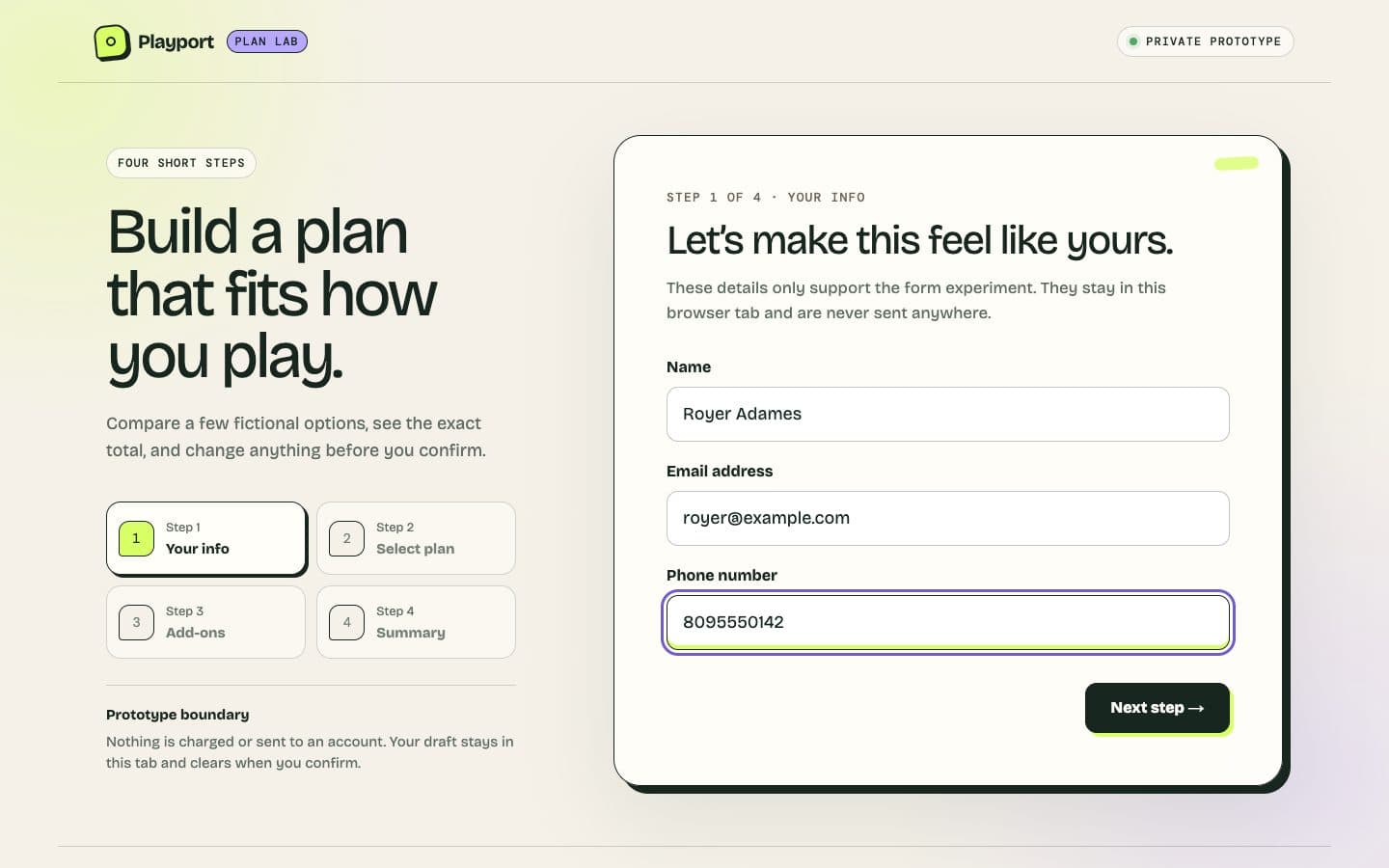
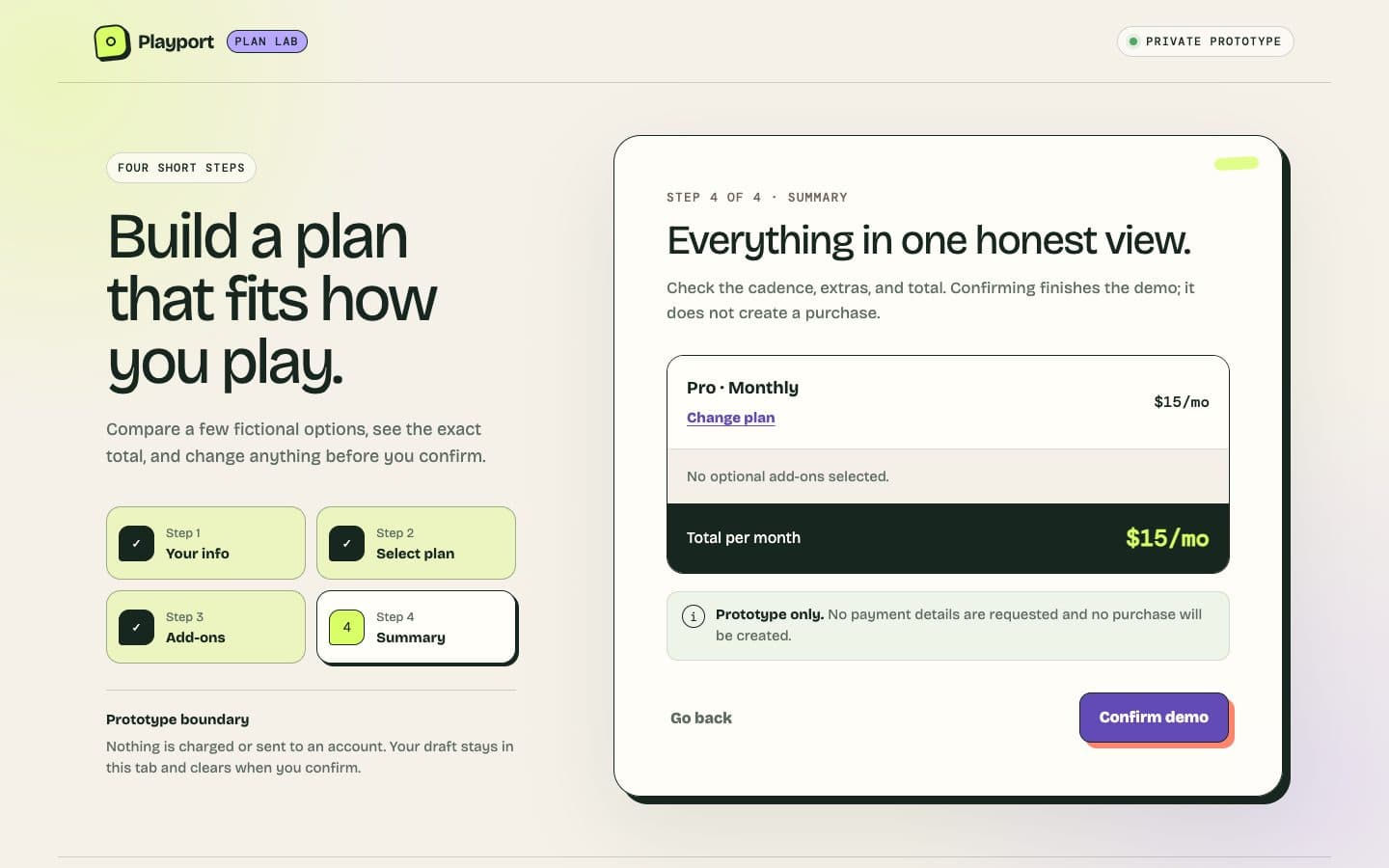
A four-step form demo for entering personal details, choosing a plan and optional add-ons, and reviewing a fictional total.
Why it exists
Outside my day job, I chose a supplied form design to keep growing my frontend craft, practicing a longer choice and building a reusable reference. Someone needed to revise that choice without losing it.
How it works
Personal details, plan, optional add-ons, and review share one price model. The unfinished draft stays in the current tab. Confirm repeats that nothing was purchased. The demo borrows Playport's branding without using Playport accounts.
Story
Four screens, one promise to keep.
A form spread across four screens gave me a different reference from a single product page. I chose the design as practice in carrying a choice forward, letting someone revise it and keeping the total consistent.
The brief called for a four-step form: personal details, a plan, optional add-ons, and a review. I chose the design and set my review checklist as the bar; AI coding agents wrote the code, in Next.js with TypeScript. Completing the screens was only part of the job. A person had to be able to change their mind without losing the choice they were making.
Monthly and yearly prices made that harder. Every card, add-on and total had to use the same cadence. The agents settled it with one price model, deriving yearly prices from the monthly source, and kept the unfinished draft in the current tab.
The confirmation needed a boundary too. This was a demo with fictional prices, no account and no payment. The page said that nothing was purchased before, during and after confirm. Confirm and Start over cleared the draft instead of leaving an old choice waiting for a later visit.
Testing went after the places that could break continuity: Back, Forward, refresh, a cadence change and confirmation. Selections survived while the choice was unfinished, and confirmation cleared them.
The finished form lets someone explore a choice and revise it. Its lesson is in the transitions between screens: the total, the draft and the wording have to keep the same promise all the way through.
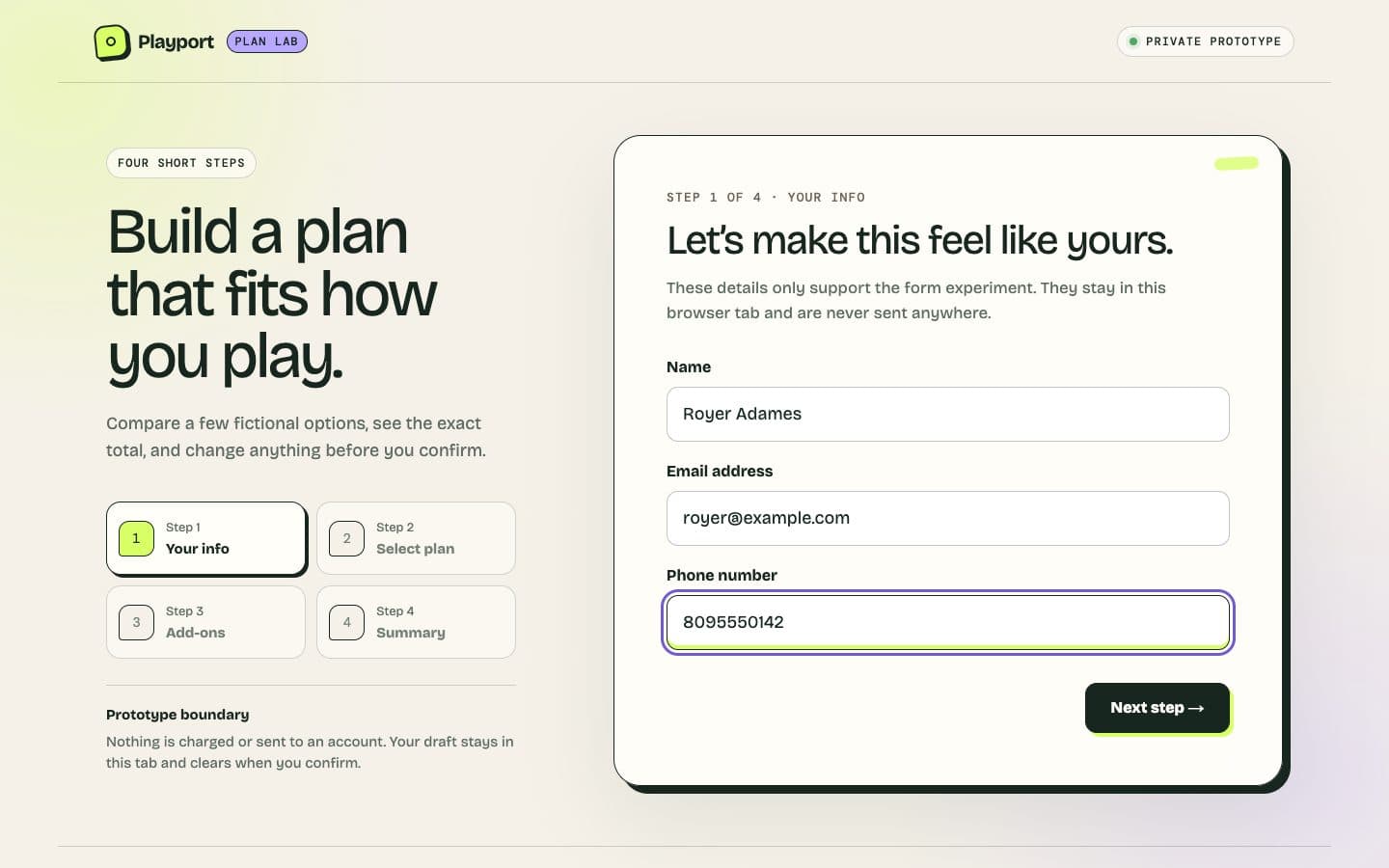
Design: Frontend Mentor's Multi-step form (opens in a new tab). Build: Royer Adames, with AI agents.