ProjectsPings
Pings
Public · Version 4
Stack
- Next.js
- React
- TypeScript
- Tailwind
- Drizzle
What it is
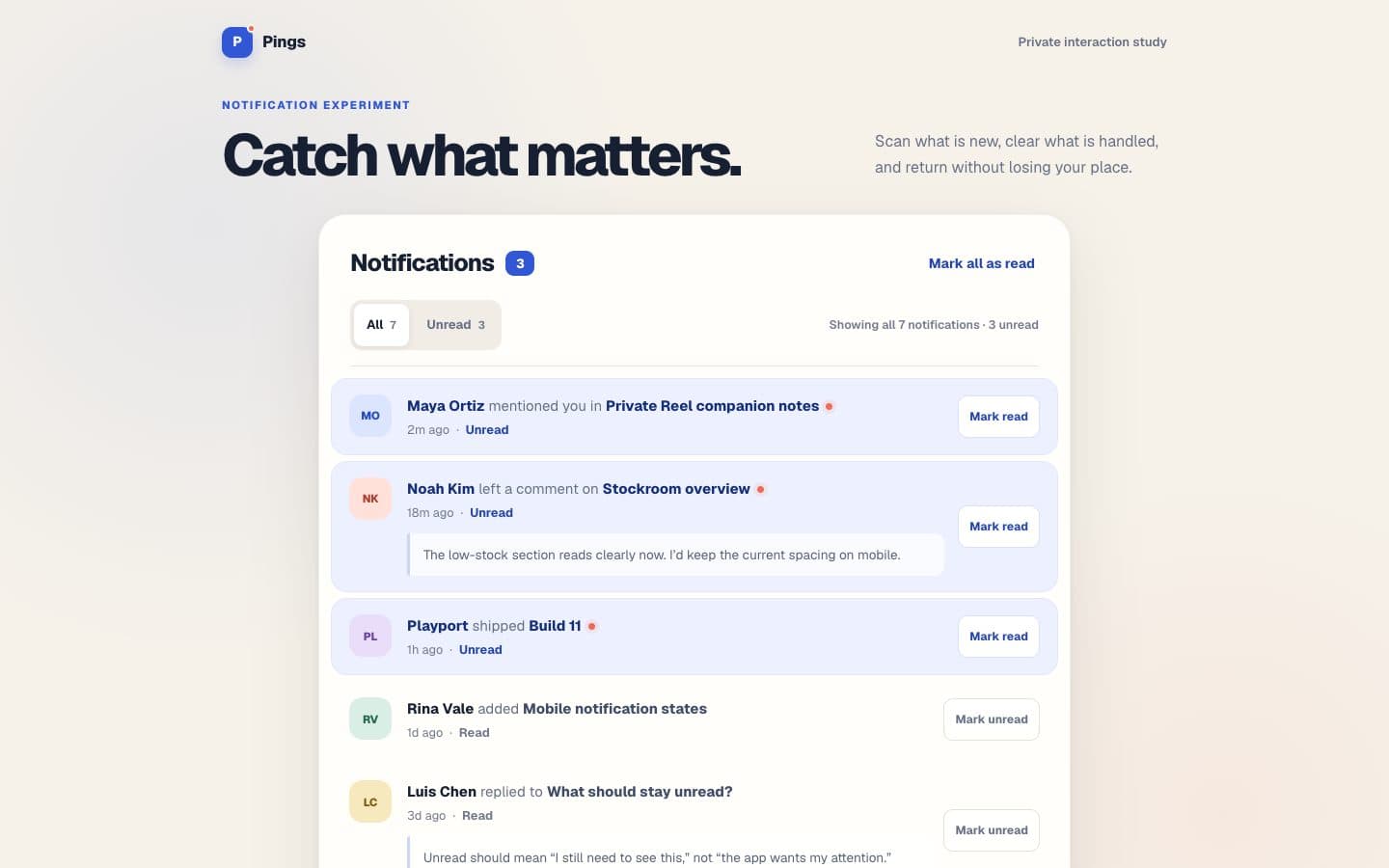
Notification study for unread hierarchy, context, filtering, and inbox-zero actions. Not Ping coming soon.
Why it exists
Outside my day job, I chose a supplied notification design to keep growing my frontend craft and build a reusable interface reference. Making unread items and read actions agree became the current demo's main job.
How it works
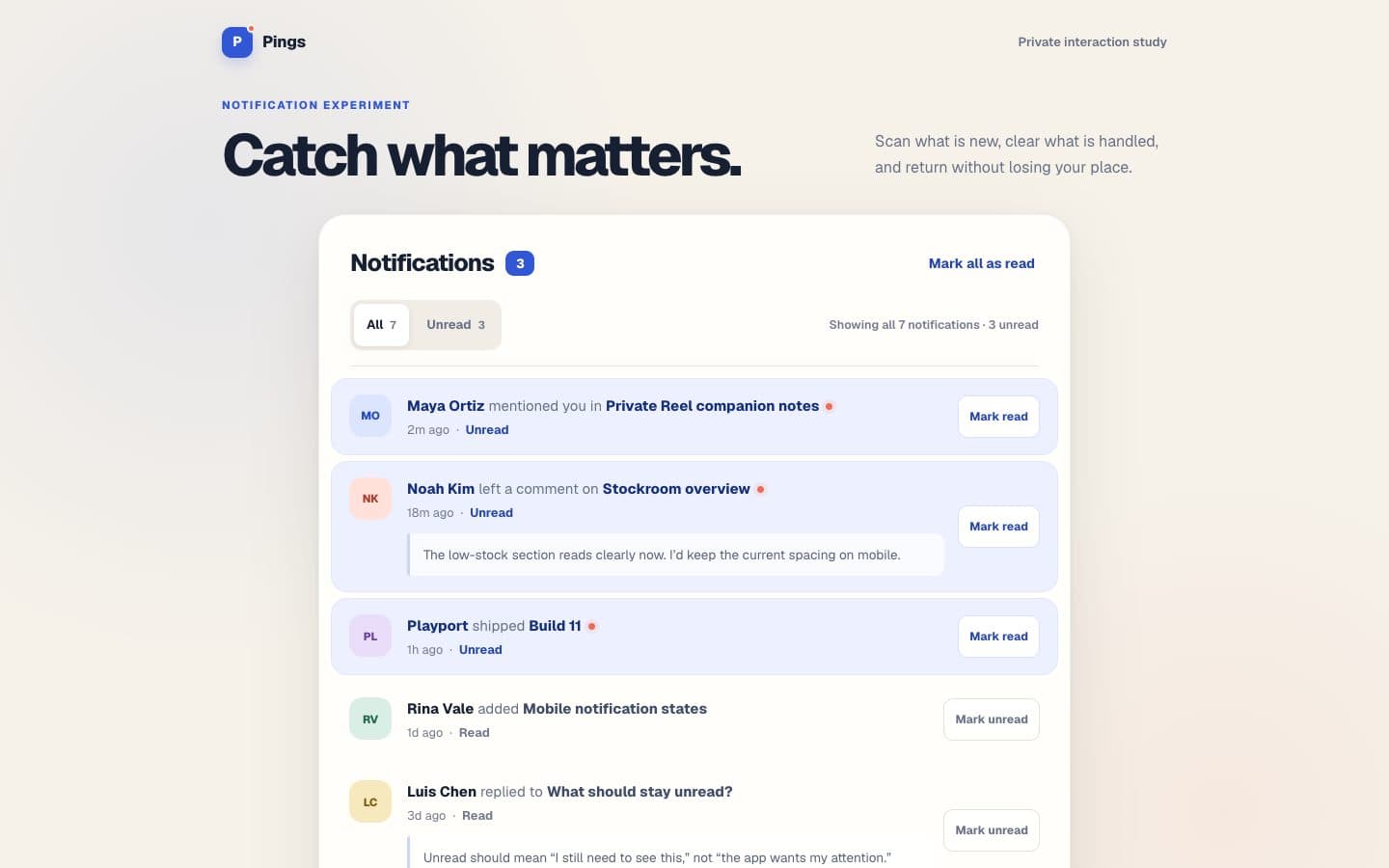
Explicit read actions, quiet hierarchy, URL-backed All and Unread filters, and honest browser-local continuity with a restore path. Seed is fictional family activity.
Story
The unread dot was the easy part.
I wanted the notification design to become a reference. The list and unread dots were the starting point. The useful question was what still needed attention and how someone could clear it deliberately.
I chose the design and turned down the agents' first icon; AI coding agents wrote the code, in Next.js with TypeScript. In the first build, the whole row acted as a toggle, which hid the action in the row itself. I asked for an improvement pass against my review checklist, and it changed the interaction: each notification became an article with a named Mark read or Mark unread control. The pass also cut the oversized introduction, so the queue became the page's main job.
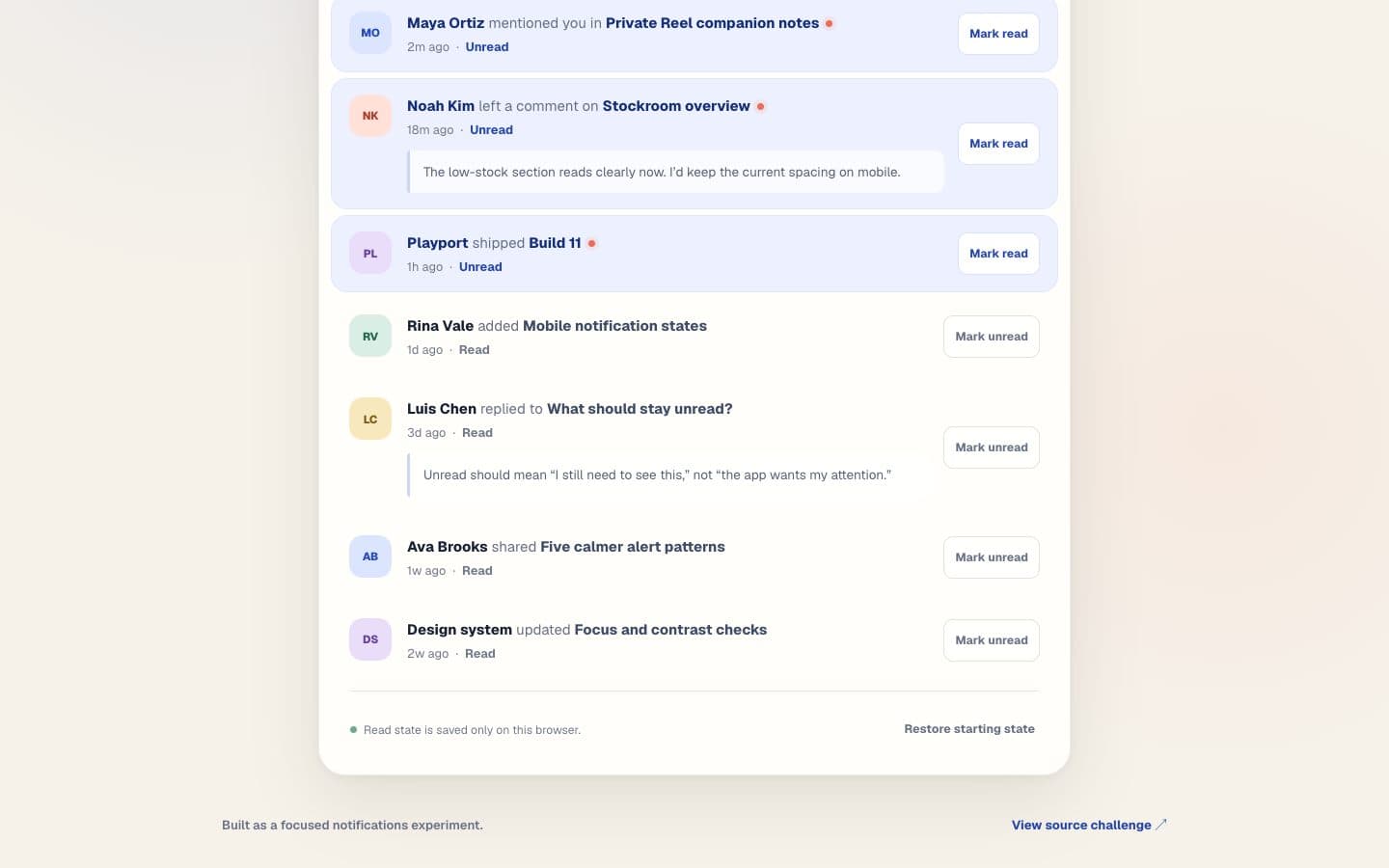
That choice reached beyond the button. The unread count, row treatment and action label had to agree. In the Unread view, marking the final item read had to lead to a caught-up state. The filter went into the URL so refresh and Back could retain the view. When browser storage was unavailable, the interface had to say that the state lasted only for the tab.
Where it stands: the inbox is fictional and can be reset, with no real notification source behind it.
What began as a visual distinction became a set of connected actions. The dot matters, but the useful part is the agreement between what the page says needs attention and what happens when someone clears it.
Design: Frontend Mentor's Notifications page (opens in a new tab). Build: Royer Adames, with AI agents.