
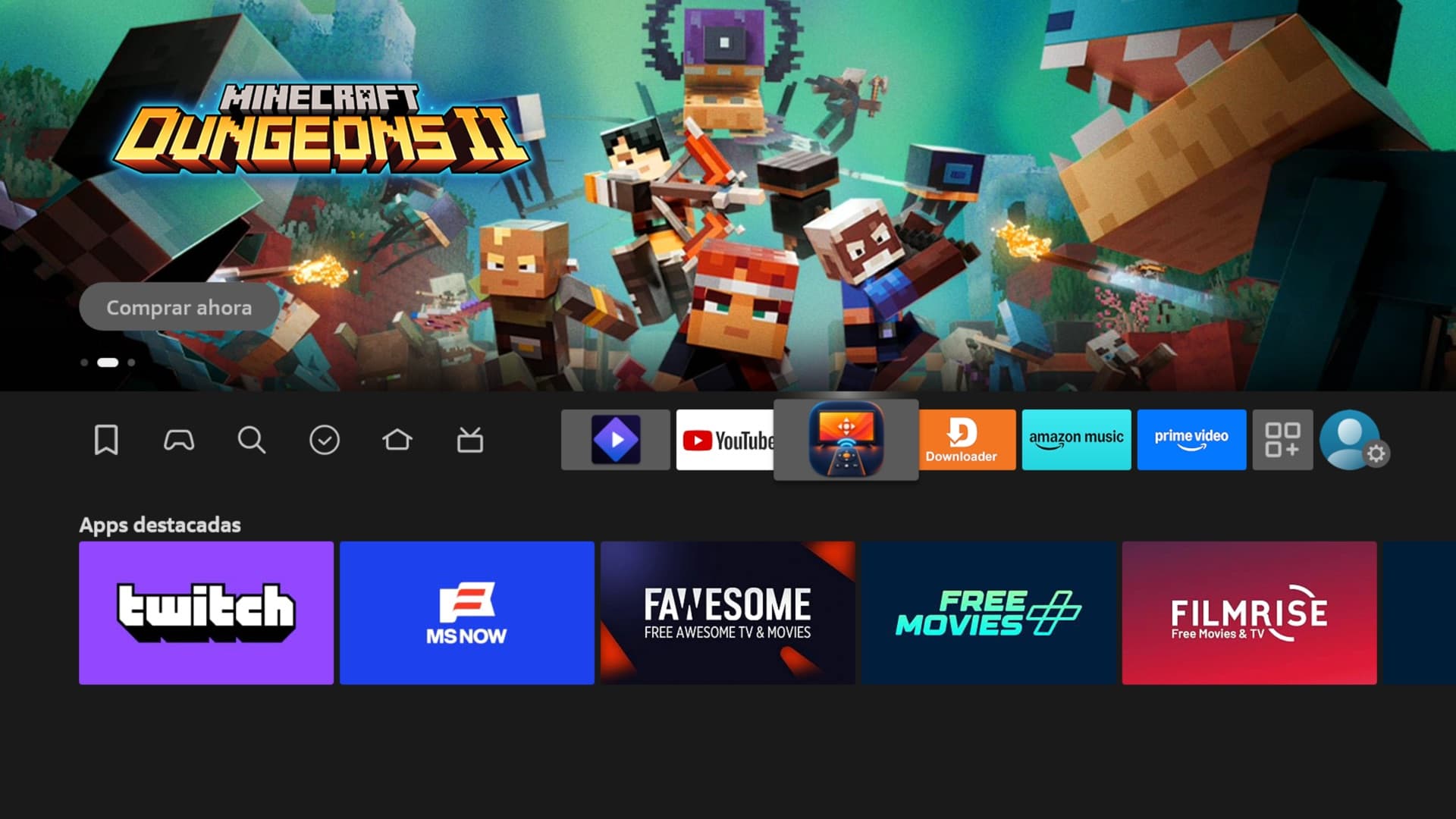
ProjectsFire TV Remote
Fire TV Remote
V0.2.1 operational
Stack
- SwiftUI
- Java
- Sparkle
- ADB
- scrcpy
What it is
A Mac launcher and a Fire TV companion built to let agents see and control the television through ADB and scrcpy.
Why it exists
I wanted to delegate the tedious work of setting up my TV. An agent first needed a way to see its screen and operate it.
How it works
The companion reports the TV’s local address, and ADB with scrcpy provides the live control window. Each Mac needs initial approval on the TV. On 3 October 2026, the connection recovered after troubleshooting, and I confirmed live viewing. The launcher’s quick exits still need diagnosis; audio is not delivered on this device. There is no hosted remote.
Story
Before an agent could help with my TV, it needed to see it.
I wanted to tell an agent what I wanted from my TV and let it handle the setup. Finding settings and configuring another device was work I wanted to delegate. First, the agent needed a way to see the screen and act on it. I did not know how to build that experience when I started.
The first working connection came through ADB, with scrcpy opening the display on my Mac. To do it again, I still needed the television's address, Terminal commands and working local tools.
I wanted to turn on the TV and open one app on either Mac. Saving the address helped only while the address stayed right. A malformed value could be rejected. A valid address pointing to the wrong place could still pass that check.
The solution was to let the television announce where it was. I paired a Mac launcher with a small Fire TV companion that reported its current address. The companion stayed out of the control path. Fire OS still required the first physical authorization; ADB and scrcpy still handled the connection and display.
Then the test made the promise concrete: save a deliberately wrong address and try again. Both the Apple-silicon Mac and the Intel Mac discovered the television, replaced the saved address and opened a controllable window.
The work also exposed limits a single successful connection would hide. Switching Macs required releasing the earlier session. An update could report the new version in its metadata while an older executable still ran. Checking the actual running app mattered as much as checking the release label.
Version 0.2.1 carried the discovery and control work forward and repaired artwork that looked soft on the physical 4K display. The result stays local and account-free. It still needs the existing tools and the initial approval on the TV.
Those earlier tests showed that I could move beyond remembering an address for every launch. Trying the wrong state on purpose made the value of discovery concrete. I used the tool afterward, but the experience still did not cover everything I wanted: a live picture, audio and remote-style controls, with setup instructions that explained each step.
Reviewing it again on 3 October exposed another chapter. The TV showed the companion installed and ADB debugging enabled. The Mac app had reached version 0.3.3, but it could not reach the television. Trying the current and older addresses did not recover the connection. Direct checks from both Macs failed too, so the launcher alone could not explain the failure.
The connection later recovered after a TV power cycle and a restart of the Mac's ADB service. Both Macs could reach the TV again, and ADB listed it as connected. A manually launched viewer stayed open. I confirmed that the live picture was working and crisp.
That was a recovery, not a permanent fix. Both the TV and Mac connection state had changed, so the successful attempt did not isolate the original cause. The launcher had also shown a brief connection and a closed window without useful diagnostics. That behavior is still unexplained.
The investigation found another gap in the desktop experience: the launcher discarded the viewer's diagnostic output and treated starting the process as being connected. A useful next change is to distinguish starting from ready, preserve a bounded log and show why a viewer exits. Those improvements are proposed, not implemented.
The fuller goal still includes audio and easier remote-style operation. This TV runs Android 7.1.2, which scrcpy does not support for audio capture. For this device, the result is live video and a usable ADB connection, with startup reliability and setup guidance still to improve. A working picture answered one part of the goal; the failure showed what the launcher still needs to explain.